Read them before you sign up
The real page from the engine that builds your PDF — not a thumbnail.
73 layouts6 stylesNo account
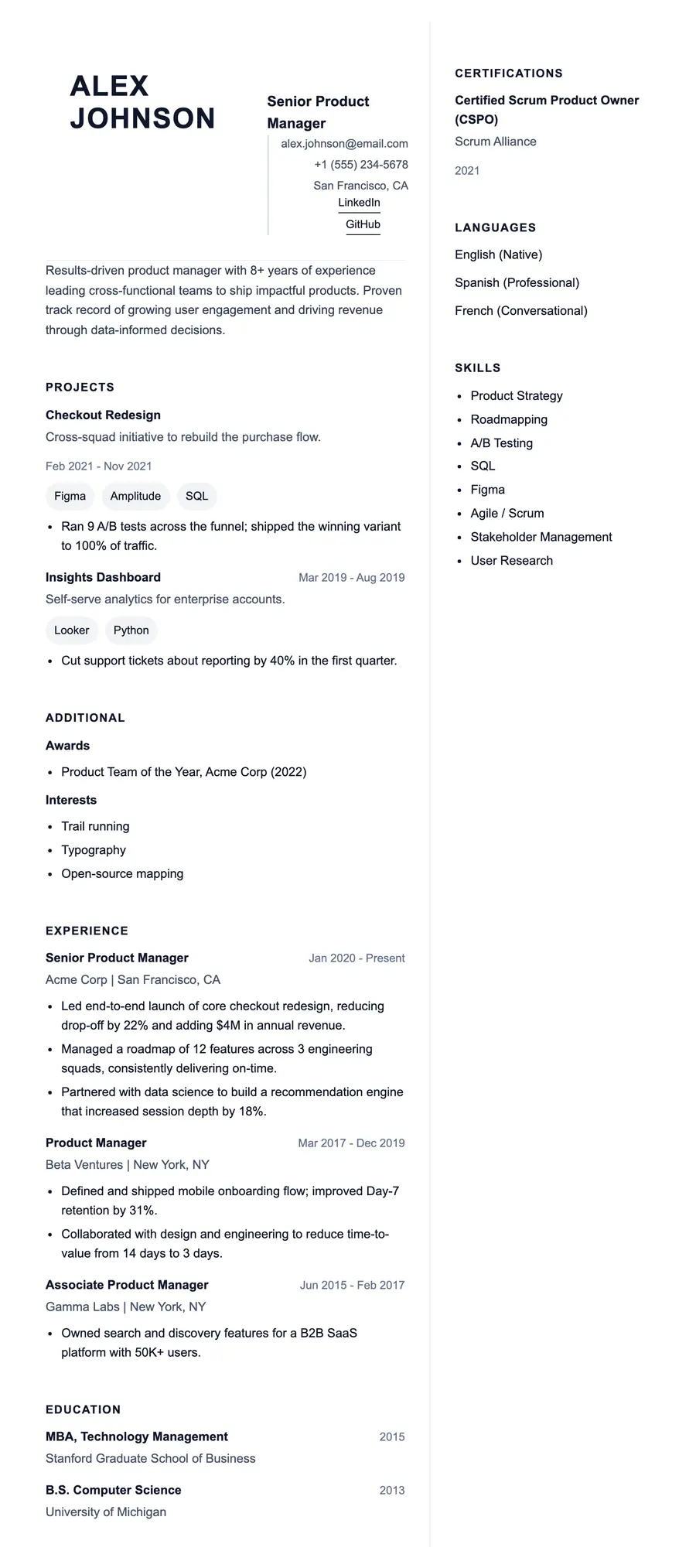
6 of 73 · sample resume, senior
Tempo
Modern · Two column · RoomyA balanced two-column modern layout with clear hierarchy and comfortable spacing.
- Product, marketing, and operations roles
- Applicants at growth-stage companies
- Anyone who is unsure where to start
Two columns. Most parsers cope; a few flatten the order.
All 73, by style
Every template has its own page, and every one of them is linked here — this is the section you scroll when you would rather browse than choose.
Classic
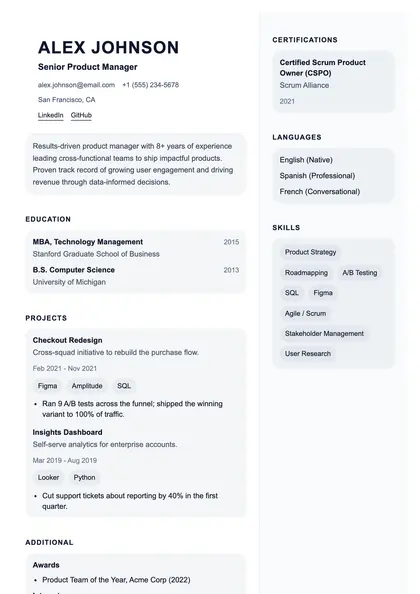
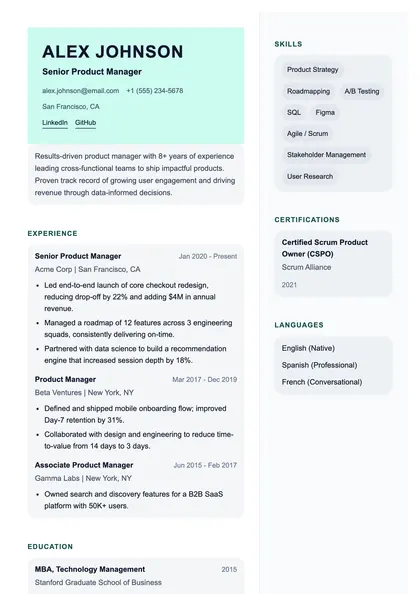
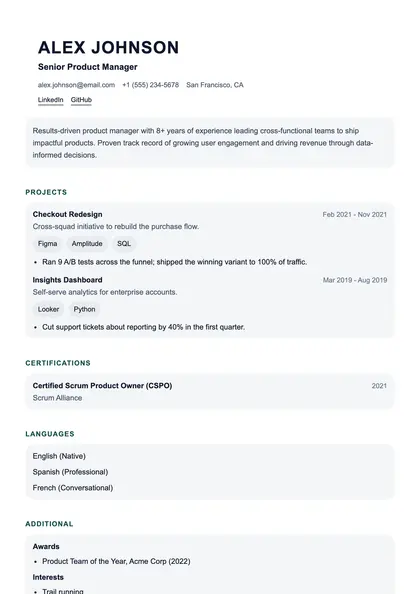
13 layoutsConventional single- and two-column layouts with restrained typography. The safe choice when the reader is a recruiter at a large, traditional employer.
 View full size
Granville
Classic · Two column
 View full size
Pemberton
Classic · Two column
 View full size
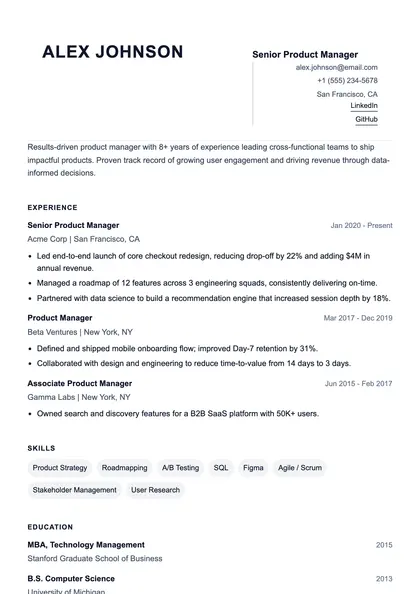
Garamond
Classic · Single column
 View full size
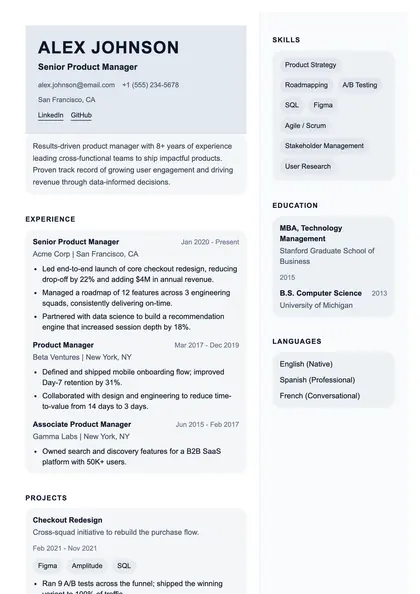
Folio
Classic · Single column
 View full size
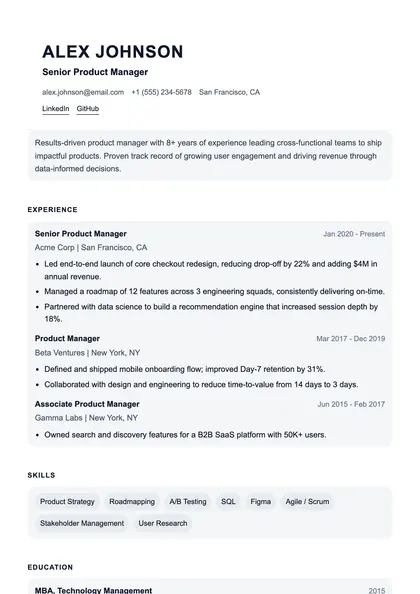
Legacy
Classic · Two column
 View full size
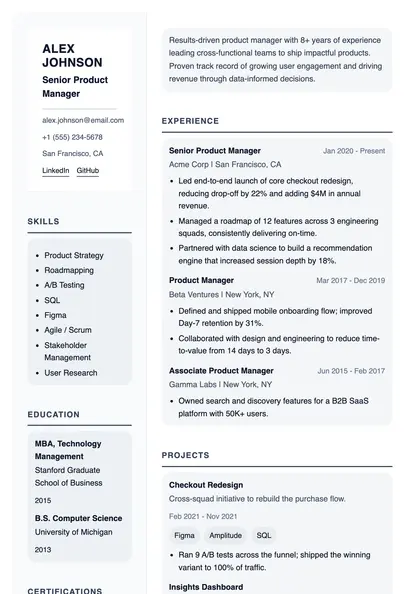
Parchment
Classic · Single column
 View full size
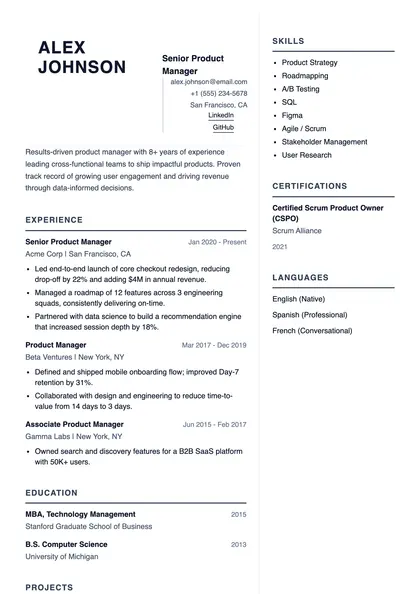
Aldine
Classic · Left sidebar
 View full size
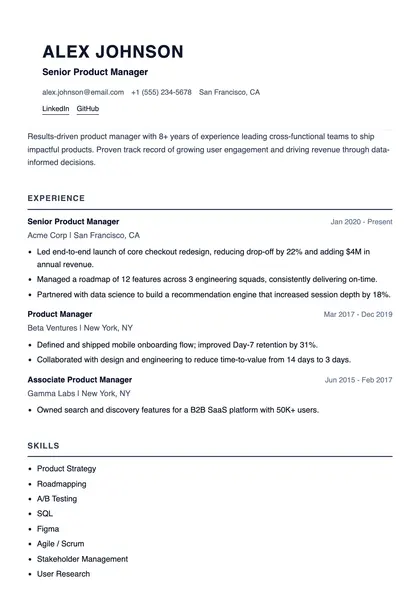
Heritage
Classic · Two column
 View full size
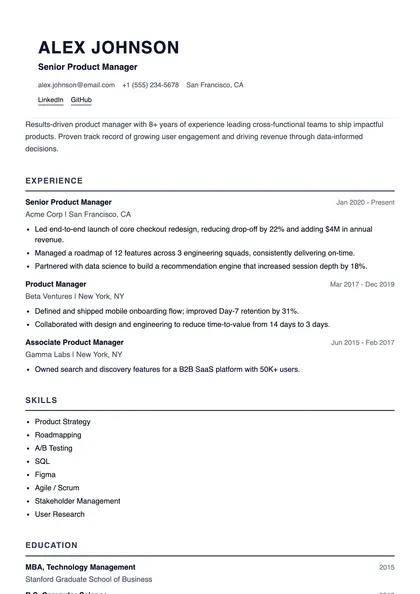
Criterion
Classic · Single column
 View full size
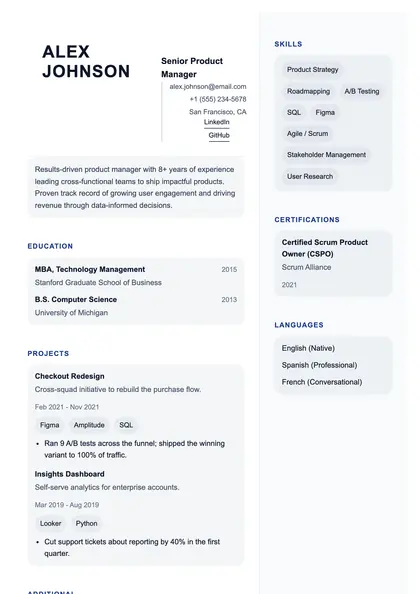
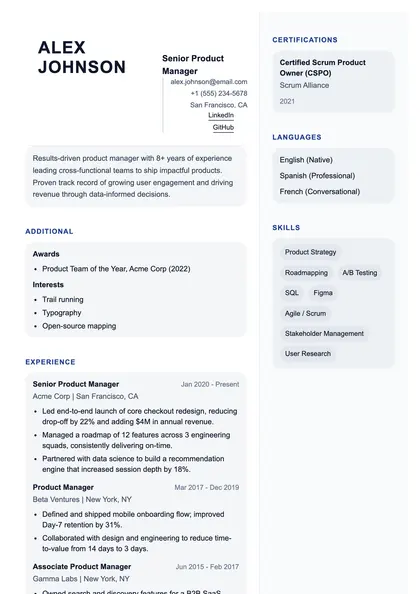
The Chronicle
Classic · Single column
 View full size
Thornfield
Classic · Two column
 View full size
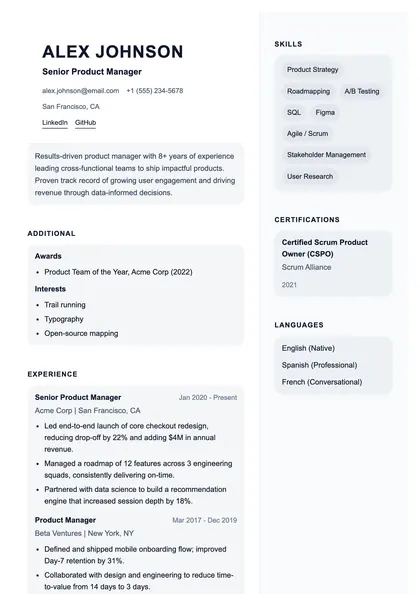
Antiqua
Classic · Two column
 View full size
Aldgate
Classic · Two column
Modern
12 layoutsContemporary spacing and clear typographic hierarchy, without decoration that distracts from the content.
 View full size
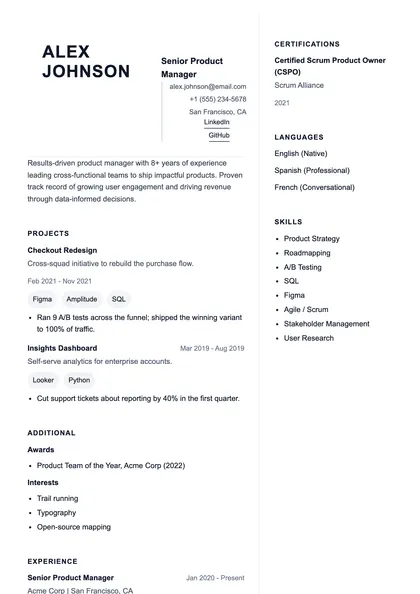
Tempo
Modern · Two column
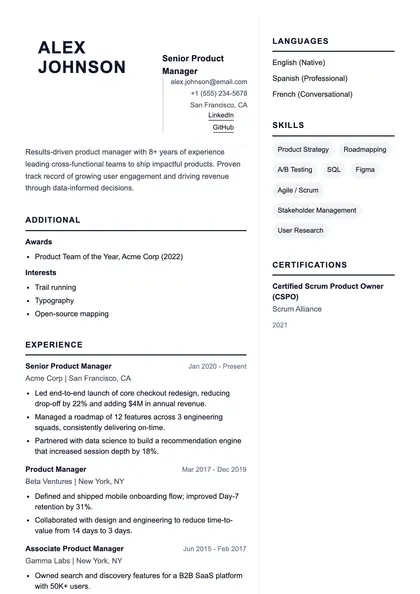
 View full size
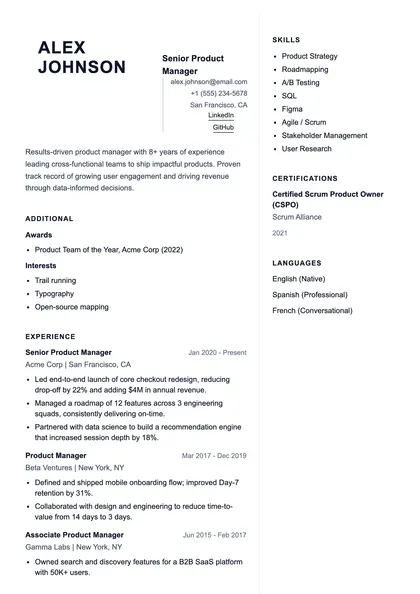
Vector
Modern · Two column
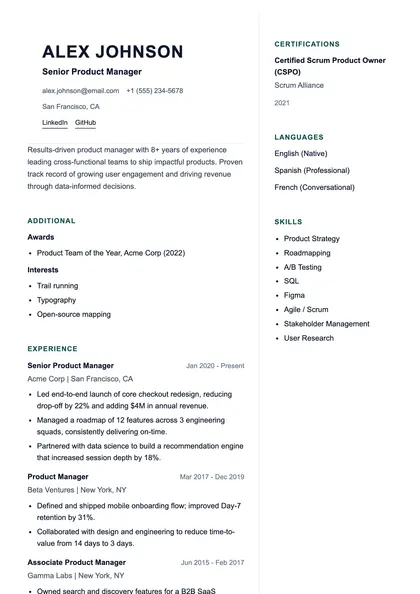
 View full size
Pulse
Modern · Two column
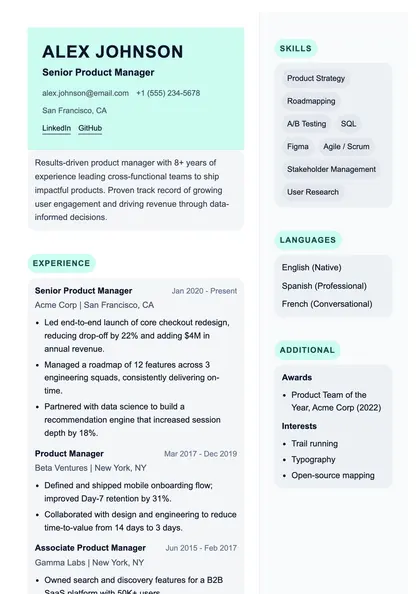
 View full size
Reflex
Modern · Two column
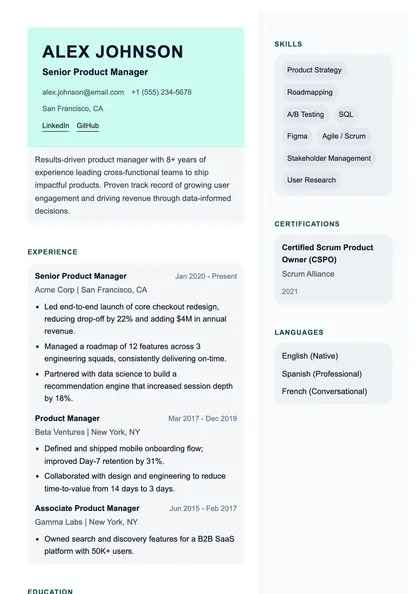
 View full size
Grid
Modern · Two column
 View full size
Stratum
Modern · Two column
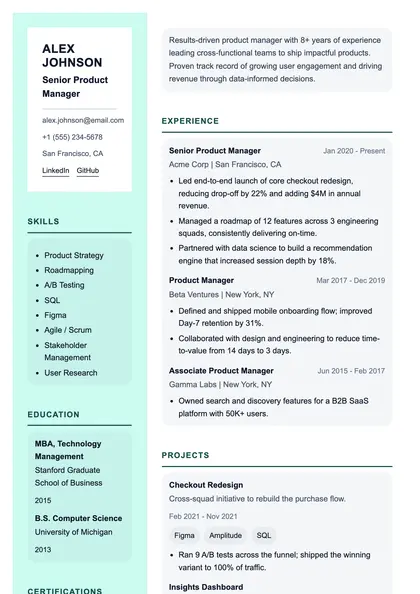 View full size
Momentum
Modern · Left sidebar
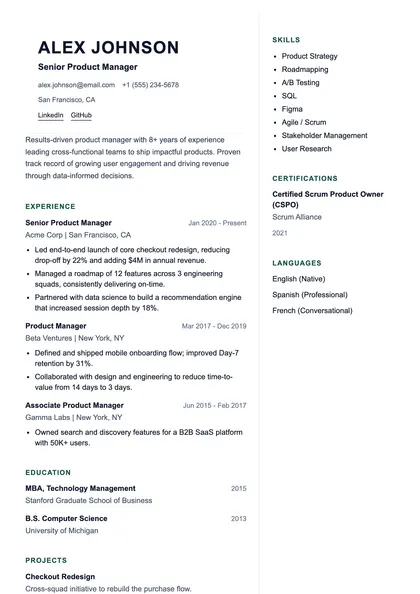 View full size
Orbit
Modern · Two column
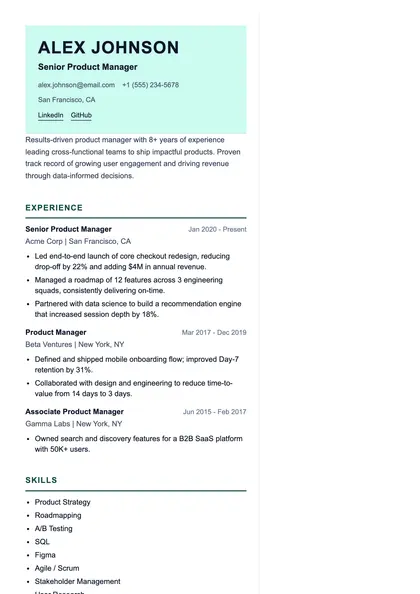 View full size
Apex
Modern · Two column
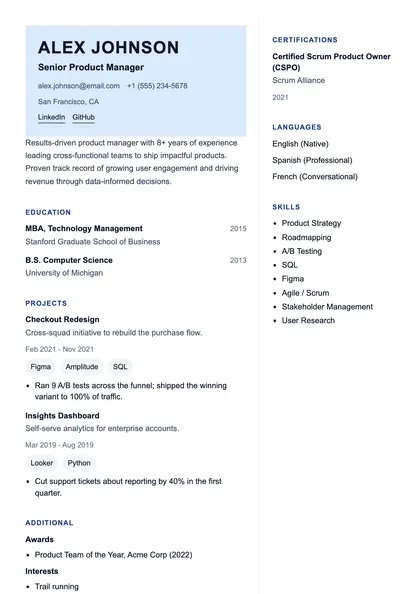 View full size
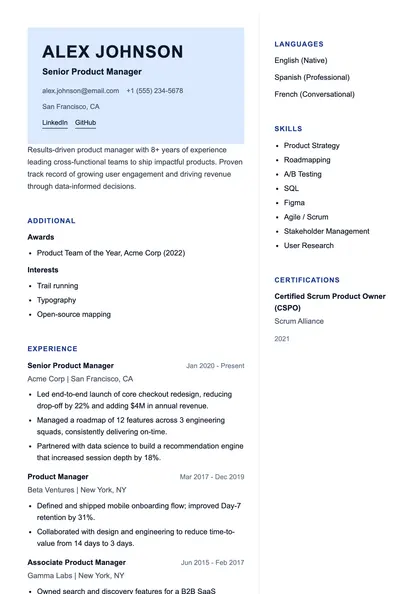
Phase
Modern · Two column
 View full size
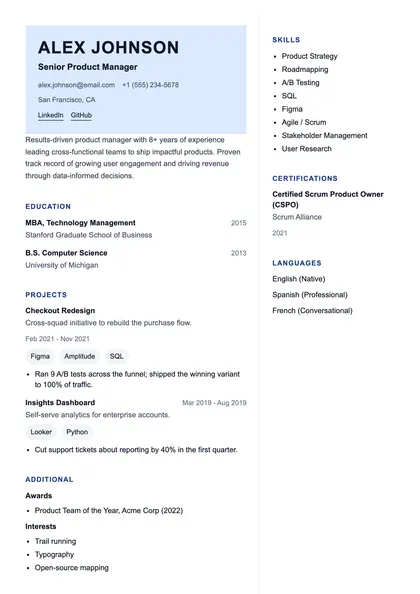
Current
Modern · Two column
 View full size
Kinetic
Modern · Two column
Minimal
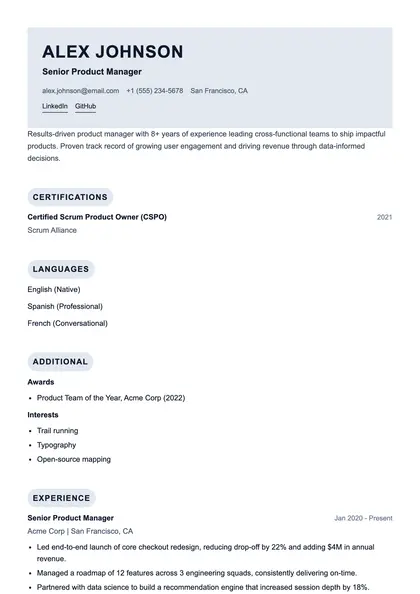
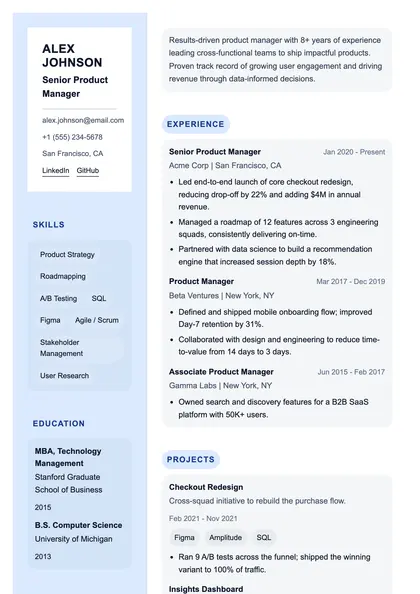
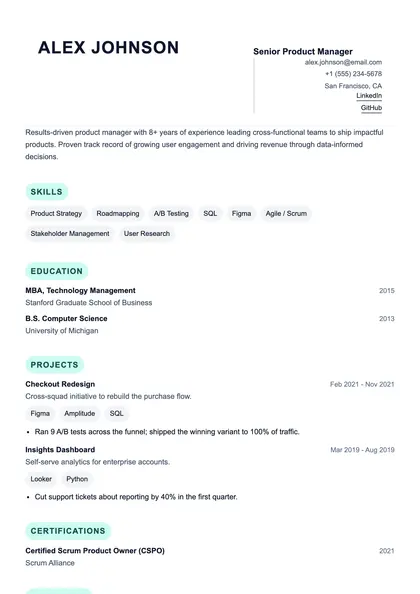
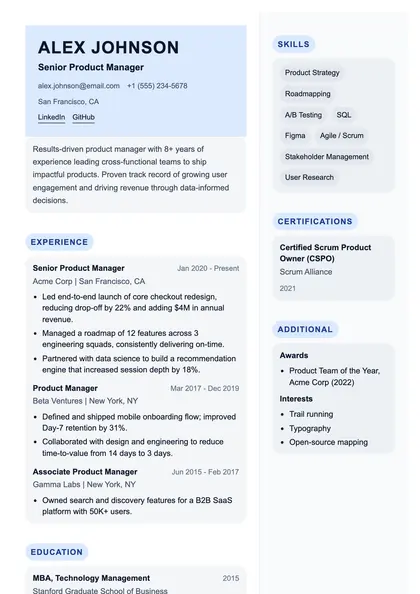
11 layoutsMaximum content, minimum furniture. Generous white space and no rules, borders, or colour blocks.
 View full size
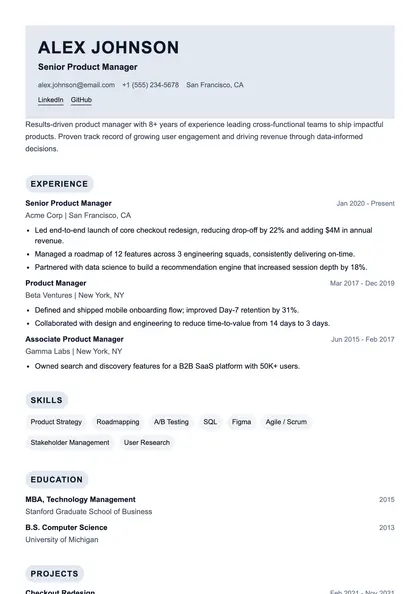
Spare
Minimal · Single column
 View full size
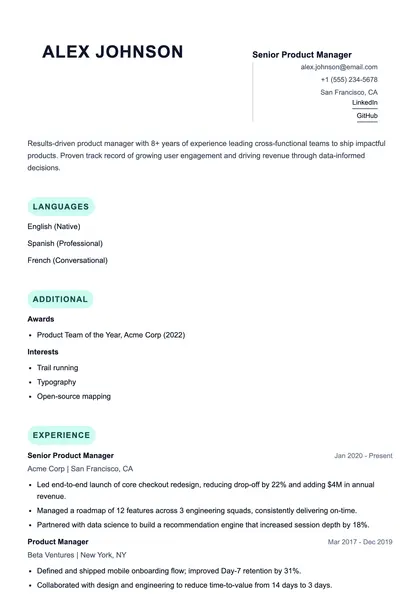
Vide
Minimal · Single column
 View full size
Nude
Minimal · Single column
 View full size
Quiet
Minimal · Left sidebar
 View full size
Thin
Minimal · Single column
 View full size
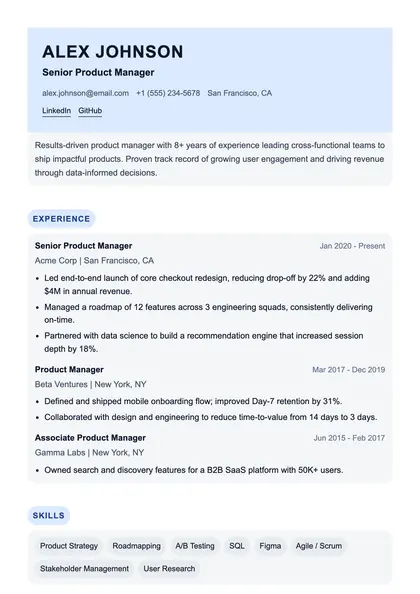
Line
Minimal · Two column
 View full size
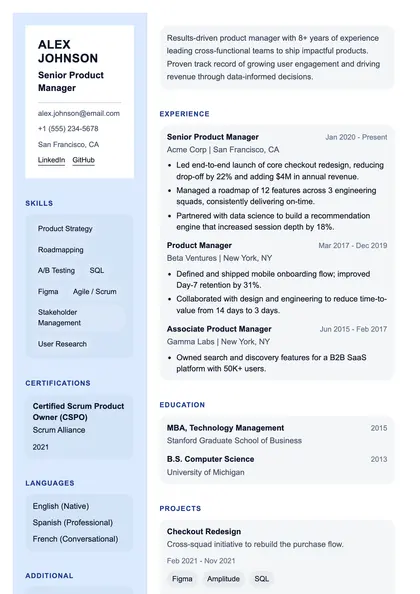
Plane
Minimal · Single column
 View full size
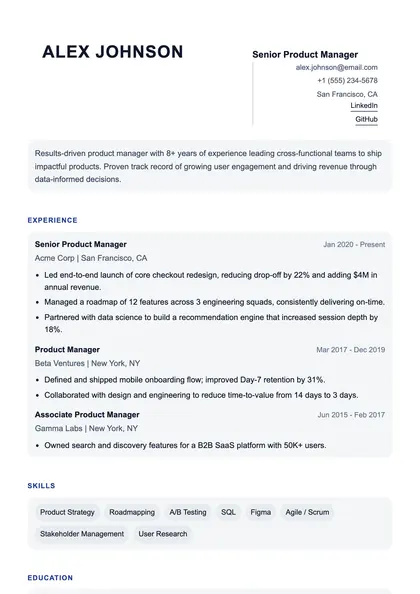
Pure
Minimal · Left sidebar
 View full size
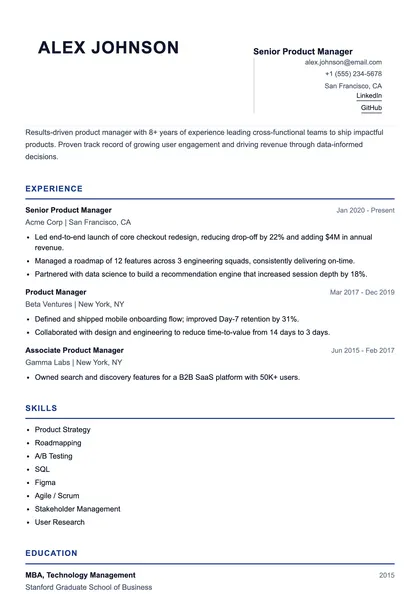
Still
Minimal · Single column
 View full size
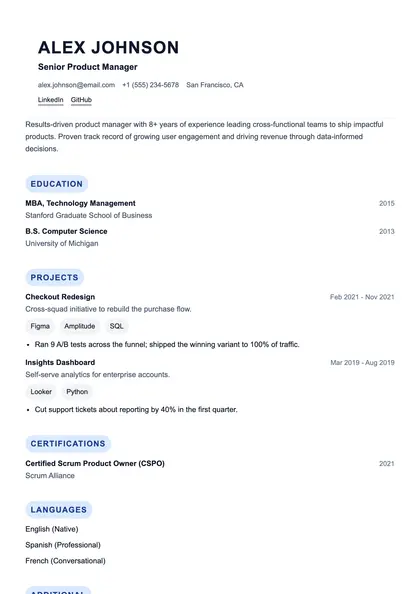
Blanc
Minimal · Single column
 View full size
Form
Minimal · Single column
Executive
12 layoutsBuilt for long careers. Prioritises seniority, scope, and named organisations over skills lists.
 PremiumView full size
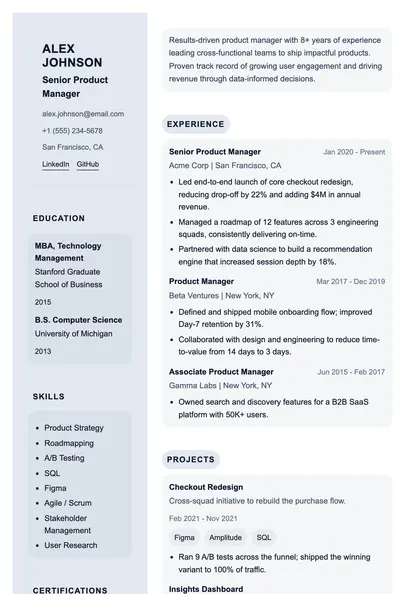
Boardroom Executive
Executive · Left sidebar
 PremiumView full size
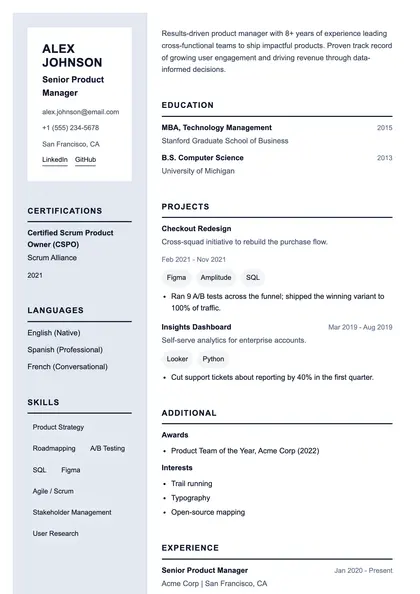
The Prefect
Executive · Left sidebar
 View full size
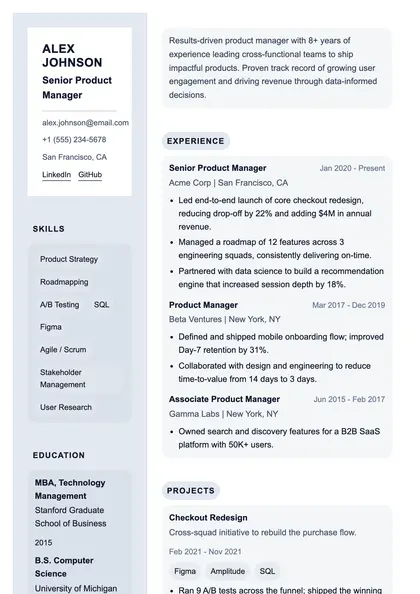
The Attaché
Executive · Left sidebar
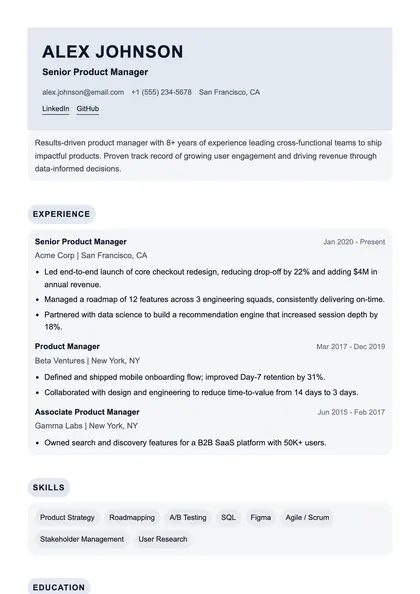 View full size
Onyx
Executive · Single column
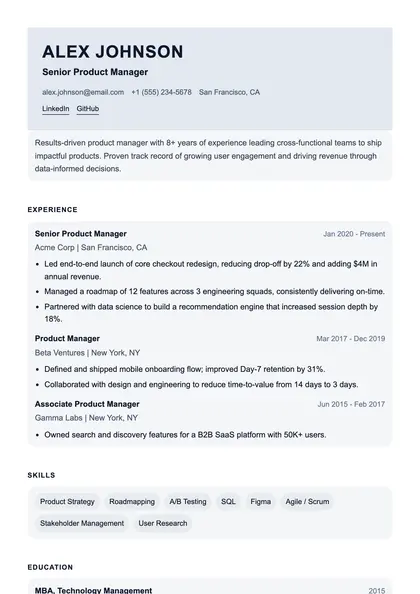 View full size
Sovereign
Executive · Single column
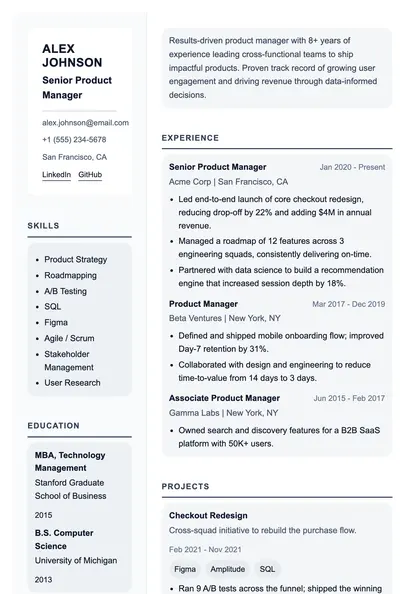 View full size
The Council
Executive · Left sidebar
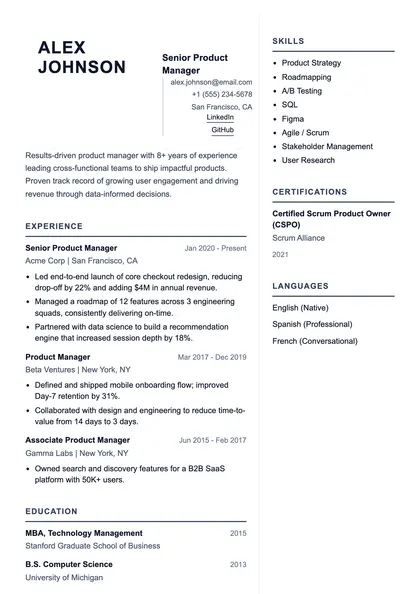 View full size
Obsidian
Executive · Two column
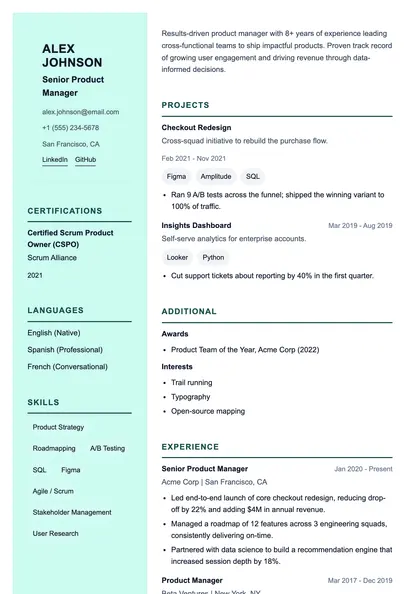 PremiumView full size
The Governor
Executive · Left sidebar
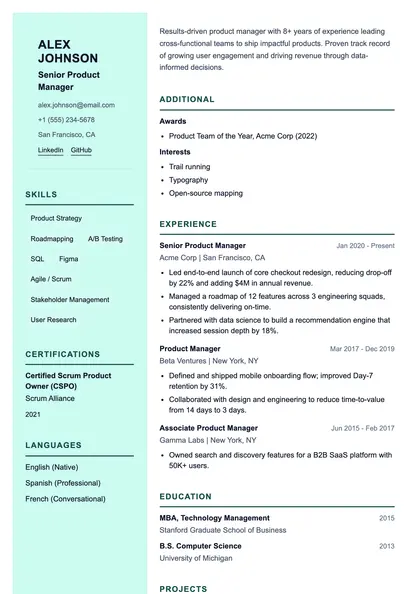 PremiumView full size
The Marquis
Executive · Left sidebar
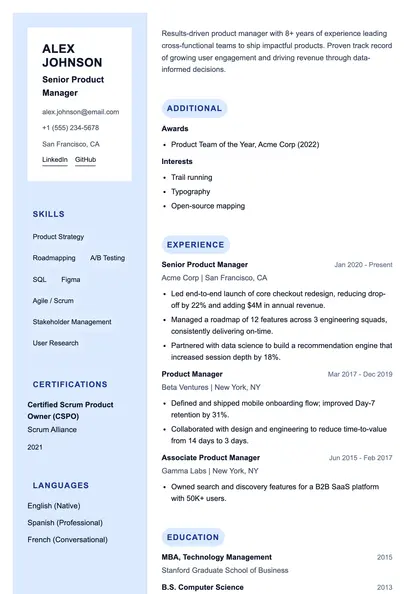 PremiumView full size
The Regent
Executive · Left sidebar
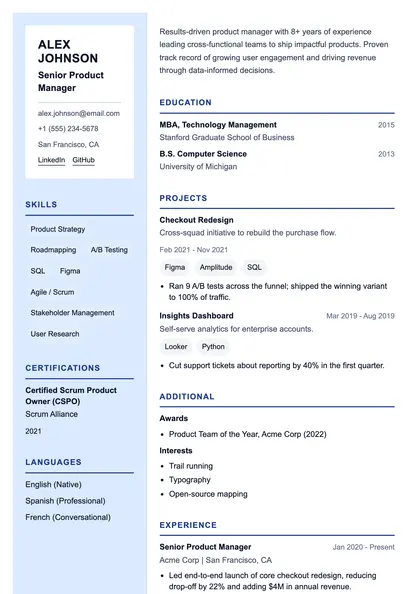 PremiumView full size
The Mandarin
Executive · Left sidebar
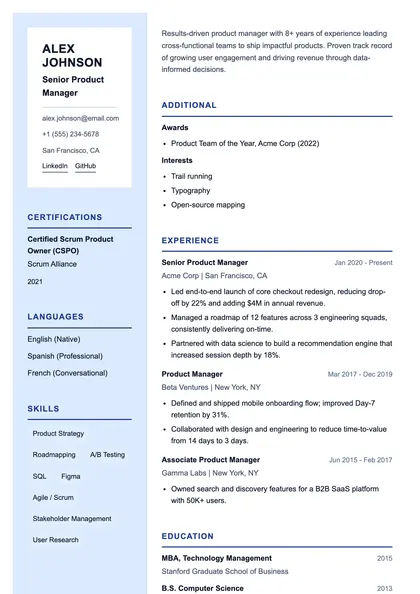 PremiumView full size
The Principal
Executive · Left sidebar
Creative
12 layoutsMore expressive type and layout for portfolios and roles where presentation is part of the assessment.
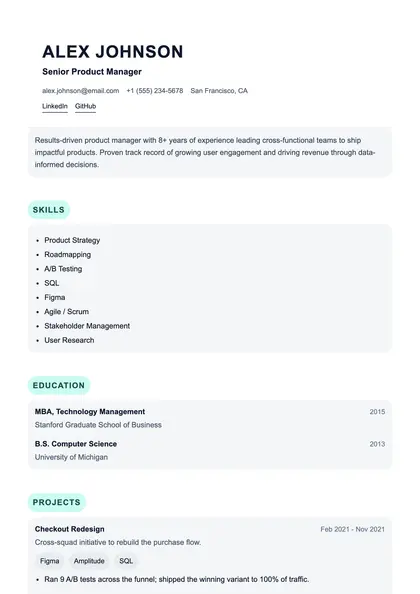 View full size
Overlay
Creative · Single column
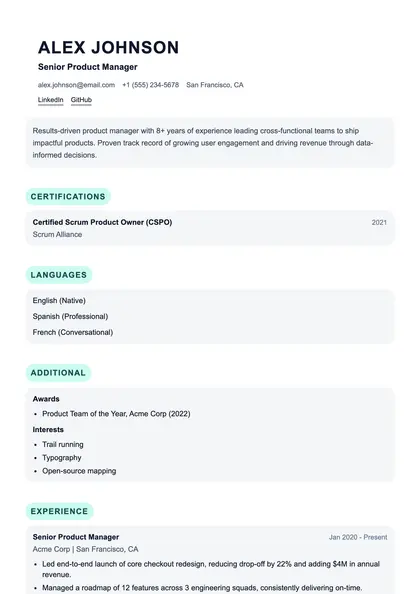 View full size
Inkwell
Creative · Single column
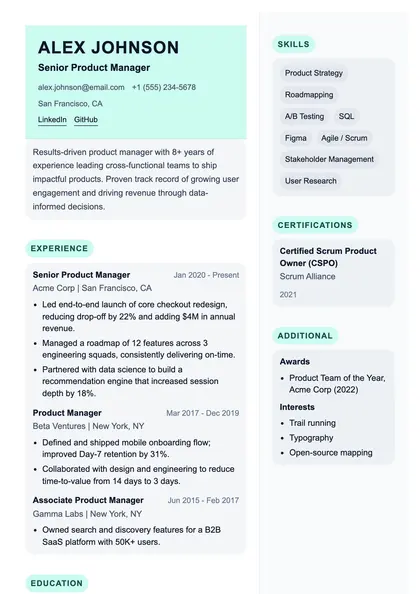 View full size
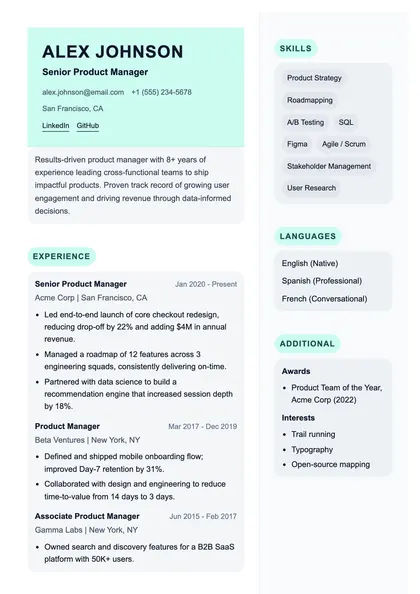
Easel
Creative · Two column
 View full size
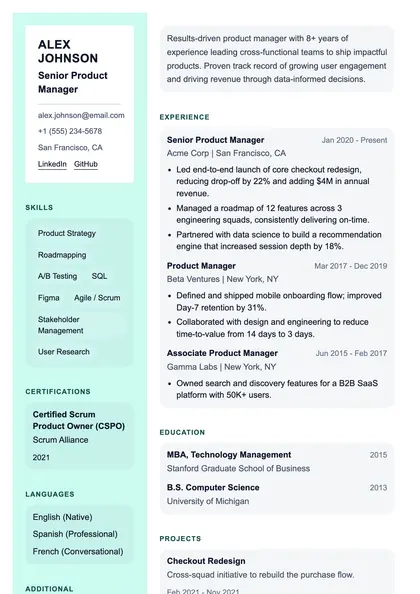
Fresco
Creative · Two column
 View full size
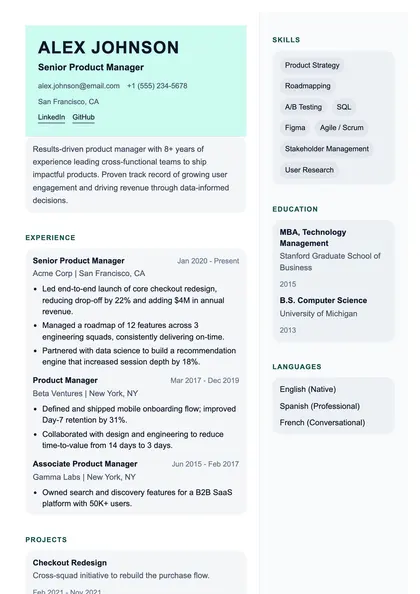
Vivid
Creative · Left sidebar
 View full size
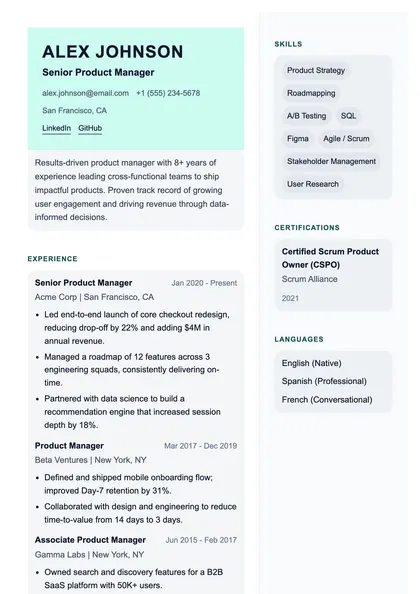
Pigment
Creative · Two column
 View full size
Saturate
Creative · Two column
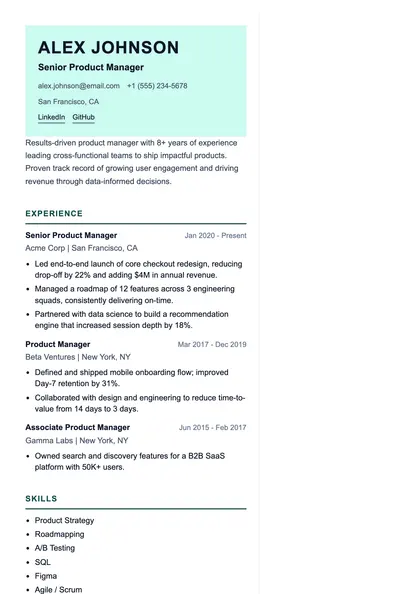 View full size
Canvas
Creative · Two column
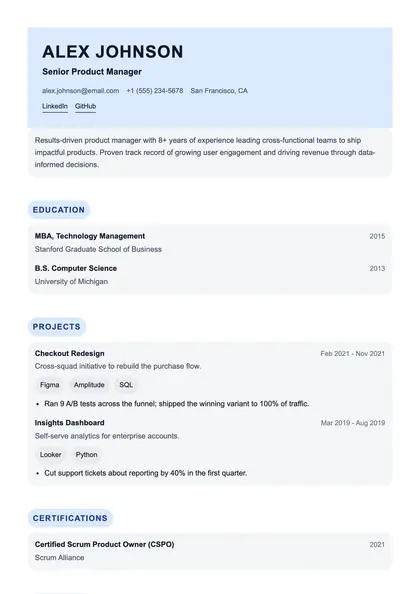 View full size
Brushwork
Creative · Single column
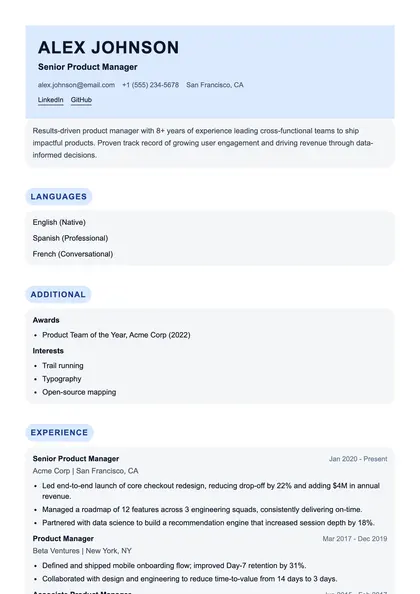 View full size
Collage
Creative · Single column
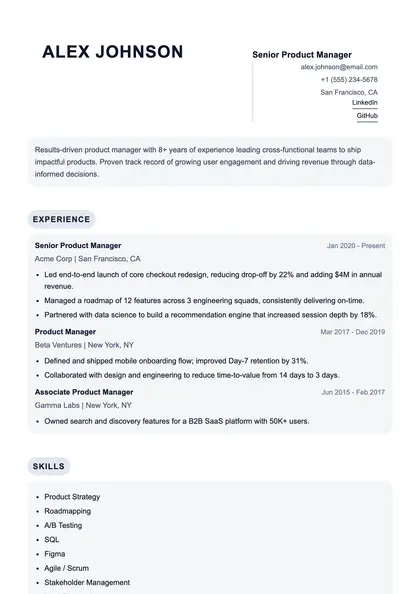 View full size
Tessera
Creative · Single column
 View full size
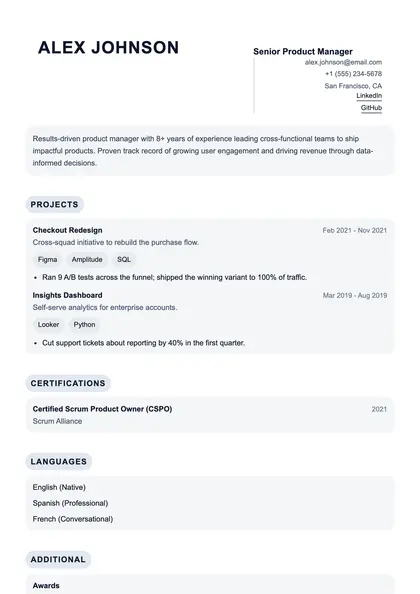
Chromatic
Creative · Single column
Technical
13 layoutsSidebar layouts that surface a long skills or tooling list next to the work history, where an engineering reader looks first.
 View full size
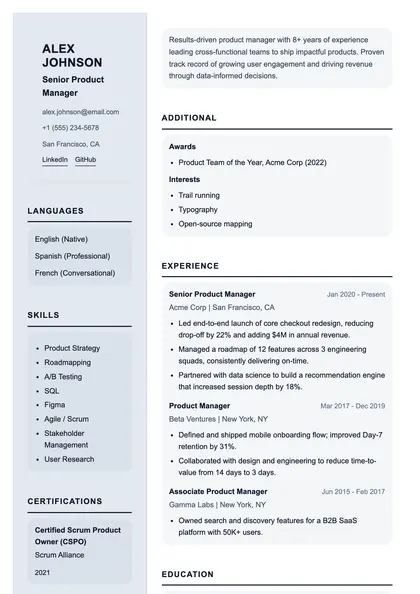
Pragma
Technical · Left sidebar
 View full size
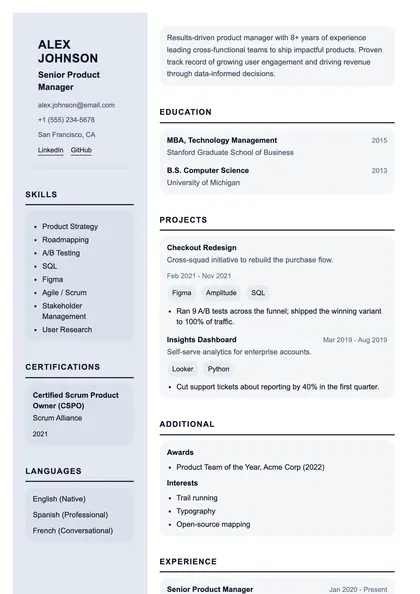
Scaffold
Technical · Left sidebar
 View full size
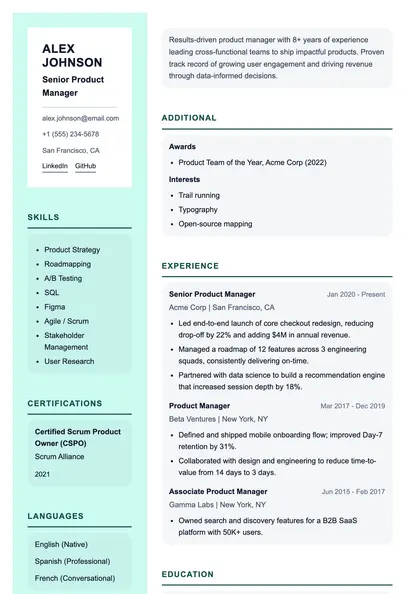
Terminal
Technical · Left sidebar
 View full size
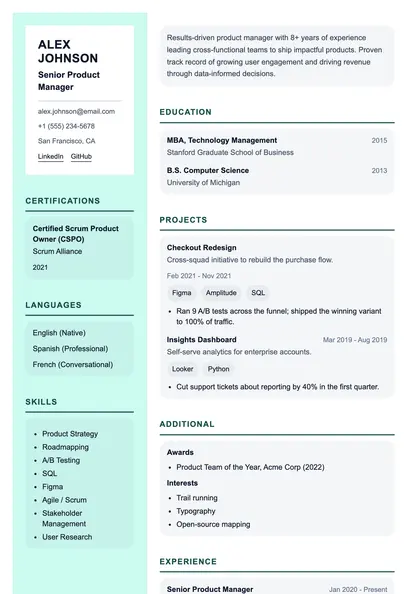
Runtime
Technical · Left sidebar
 View full size
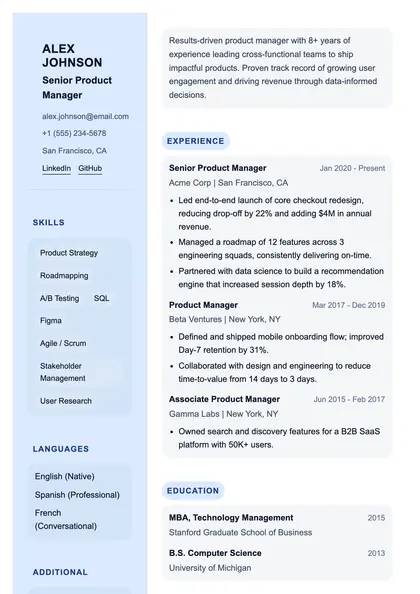
Stack
Technical · Left sidebar
 View full size
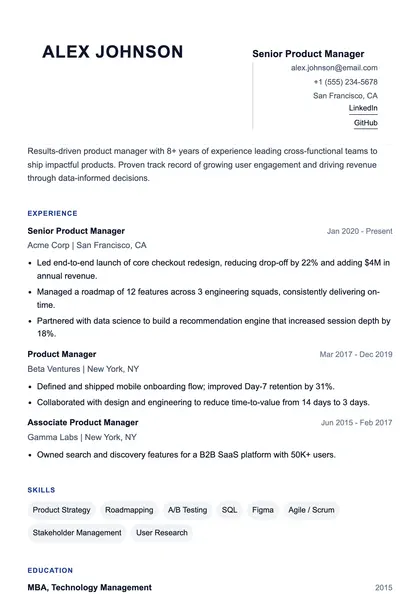
Module
Technical · Single column
 View full size
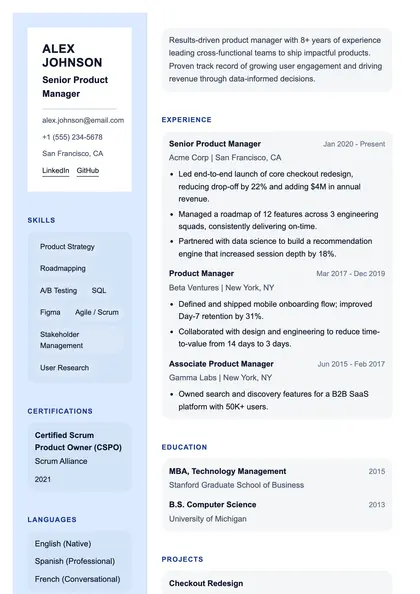
Debug
Technical · Left sidebar
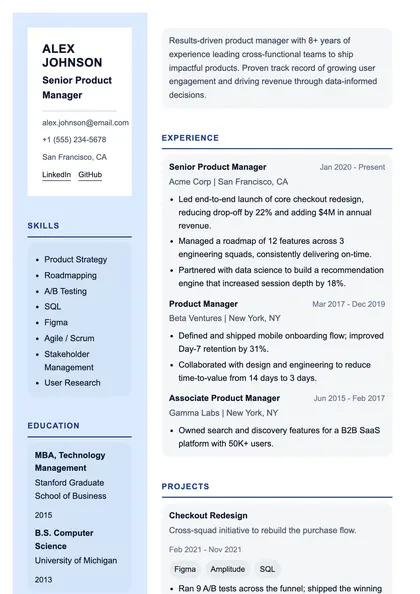 View full size
Compile
Technical · Left sidebar
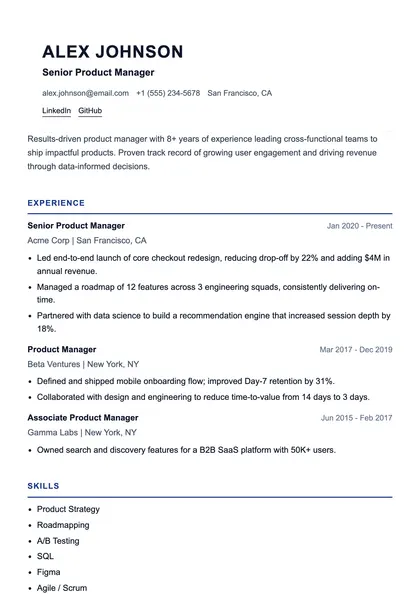 View full size
Axiom
Technical · Single column
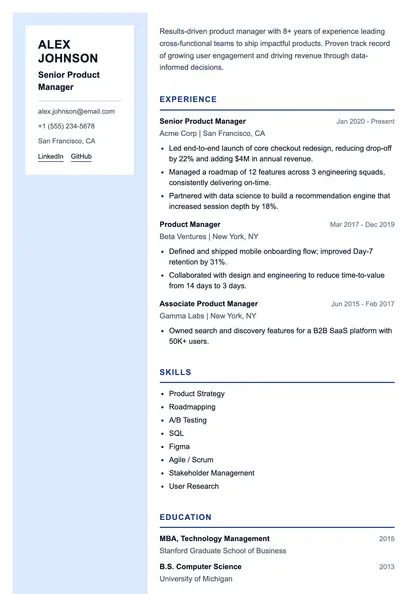 View full size
Blueprint
Technical · Left sidebar
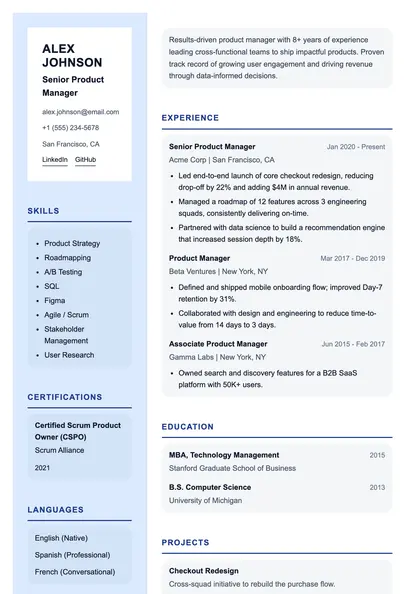 View full size
Sequence
Technical · Left sidebar
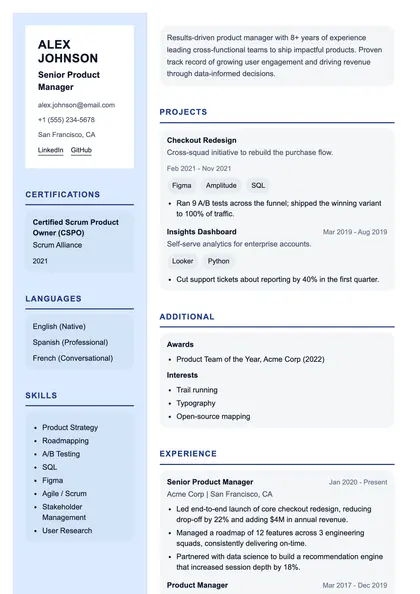 View full size
Pipeline
Technical · Left sidebar
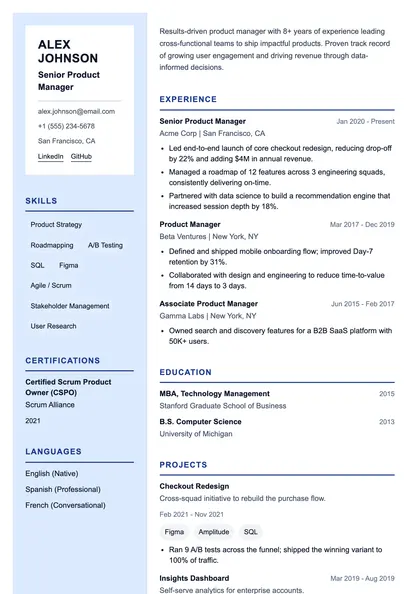 View full size
Cipher
Technical · Left sidebar
Structured content, not fixed pages
All 73 layouts are built from structured resume data rather than a fixed page design, which is why the same content moves between them without reflowing into nonsense. Single-column layouts parse in the order a human reads, which is the safest choice for applicant tracking systems. Two-column and sidebar layouts fit more on a page and put skills where a technical reader looks first — worth the tradeoff when a person screens first, less so when software does.
Before you pick
Which of these actually survives an ATS?
The single-column layouts are the safest, and the classic and minimal families are built for it specifically — real text, no text in images, and a reading order that matches the visual order. Sidebar layouts are still machine-readable, but a single column removes the most common failure mode. The meter beside each template tells you where it sits.
Do I need an account to look at them?
No. Browsing and full-size previews are open to everyone. You need a free account to put your own content into one, save it, or download a PDF.
Can I switch template later?
Yes, at any point. Your resume is stored as structured content, not as a fixed page, so changing template re-renders the same information in a new layout. Nothing is retyped and nothing is lost.